Graphic Design Course in Coimbatore
Master Visual Storytelling and Branding with Professional Design Tools
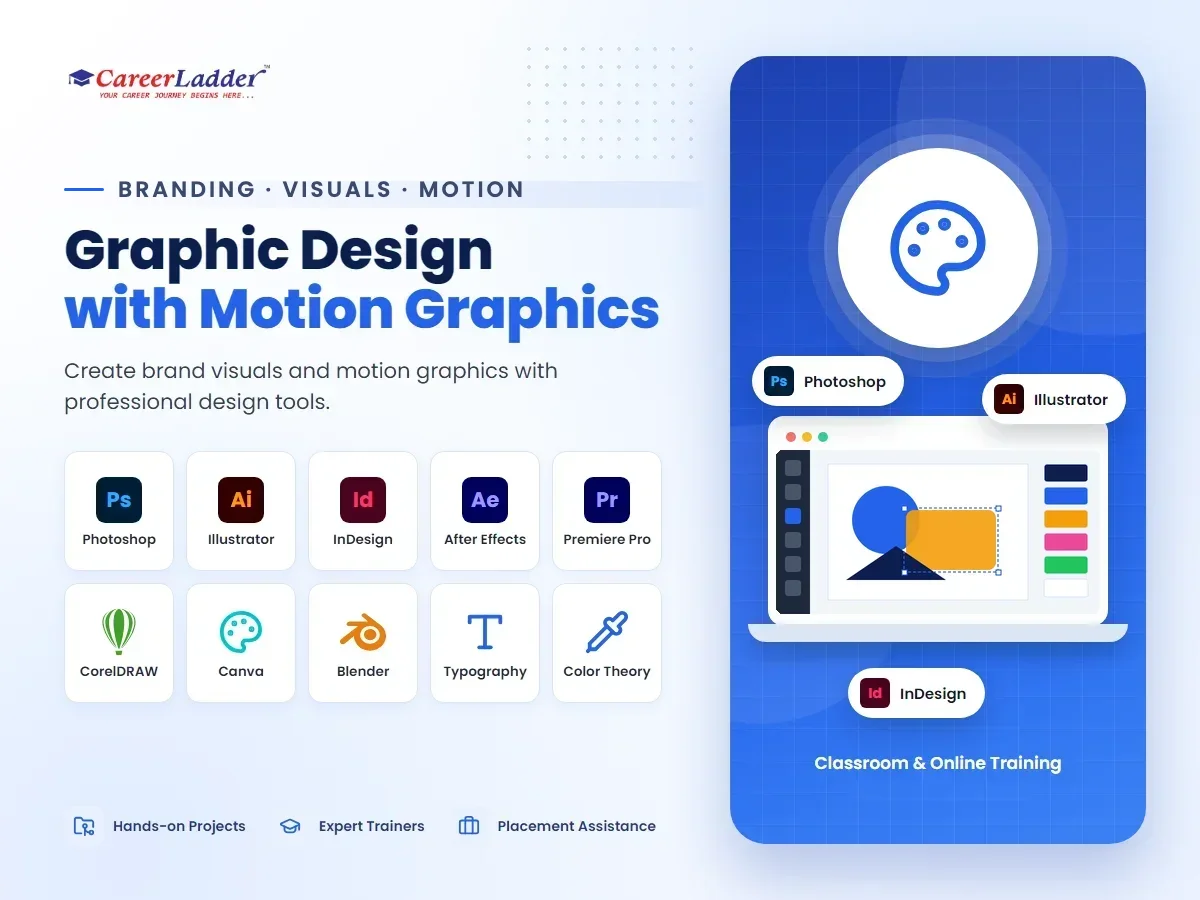
About the Graphic Design with Motion Graphics Course
Learn visual communication using Photoshop, Illustrator, InDesign, and Motion Graphics tools.
Train at our Avinashi Road (Hope College, Peelamedu) or Sundarapuram branch in Coimbatore — or join online — with hands-on projects, industry mentors, and dedicated placement support from day one.
Visual content is the language of modern business — every brand needs logos, packaging, social creatives, brochures, and video graphics, and someone has to design them all. Career Ladder's Graphic Design with Motion Graphics course in Coimbatore trains you across the full professional toolkit: Adobe Photoshop, Illustrator, and InDesign, plus CorelDRAW for the print industry and motion graphics for the video-first content era. The goal is a designer who can take a brand from a blank brief to a complete identity and keep it alive across print, digital, and video.
The course is structured to build craft before software tricks. Early modules ground you in the fundamentals that make design look professional — composition, typography, color theory, and visual hierarchy — because tools change but these principles do not. From there, each application gets deep, dedicated treatment: Photoshop for image editing, compositing, and digital artwork; Illustrator for logos, icons, and scalable vector illustration; InDesign for multi-page layouts like brochures, catalogues, and magazines; and CorelDRAW, which remains the workhorse of Indian print shops, signage makers, and textile design units. A motion graphics module then brings your static skills into movement — animated logos, social media video posts, and title graphics.
Coimbatore is an unusually good city to be a graphic designer. Its textile and garment industry needs label, packaging, and catalogue design; its jewellery brands invest heavily in premium visual identity; its manufacturing and retail businesses need everything from trade-show banners to Instagram creatives; and its printing and signage industry runs on CorelDRAW operators and layout designers. Add the region's growing digital agencies and you have steady demand for designers who know both print production realities — bleed, CMYK, die-lines — and digital-first formats like reels and web banners. This course covers both worlds on purpose.
You learn by producing a portfolio, not by watching demonstrations. Every module ends with real deliverables — logo suites, packaging mockups, social campaigns, print-ready files — reviewed and refined with trainer feedback. Career Ladder brings the credibility of 10,000+ trained students and a 4.6-star rating from over 1,500 Google reviews, with classroom batches at both our Hope College (Avinashi Road) and Sundarapuram branches as well as live online training. Placement assistance includes portfolio guidance, resume building, mock interviews, and referrals to hiring partners across agencies, print houses, and in-house brand teams.
Course Syllabus
Module-by-module curriculum — expand each to see the topics covered.
Module 1:Design Fundamentals and Visual Theory+
- Elements and principles of design: balance, contrast, alignment, proximity
- Color theory: color wheels, harmonies, psychology, and brand palettes
- Typography: typeface anatomy, pairing, hierarchy, and readability
- Composition, grids, and visual hierarchy
- Design history and analyzing iconic brand work
- Developing an eye: daily critique and recreation exercises
Module 2:Adobe Photoshop — Image Editing and Digital Art+
- Workspace, layers, masks, and non-destructive editing
- Selections, cutouts, and background removal techniques
- Color correction, retouching, and photo enhancement
- Compositing and photo manipulation for posters and ads
- Smart objects, filters, and effects workflows
- Generative AI features in Photoshop: fill, expand, and ethical use
- Exporting for web, social media, and print
Module 3:Adobe Illustrator — Vector Design and Logos+
- Vector fundamentals: paths, anchors, and the pen tool
- Shape building, pathfinder, and precise geometric construction
- Logo design process: briefs, sketching, digitizing, and refinement
- Icon sets, illustrations, and flat design styles
- Typography as art: custom lettering and logotype design
- Gradients, meshes, patterns, and effects
- Preparing vector files for clients, printers, and developers
Module 4:Adobe InDesign — Layout and Publication Design+
- Multi-page document setup: master pages, margins, and grids
- Text flow, paragraph and character styles
- Brochures, flyers, catalogues, and magazine layouts
- Working with images, tables, and long documents
- Print preparation: bleed, slug, and packaging files for press
- Interactive PDFs and digital publications
Module 5:CorelDRAW for Print and Production+
- CorelDRAW interface and vector workflows for print shops
- Visiting-card, letterhead, and stationery design
- Banner, flex, hoarding, and signage design at production scale
- Textile and garment industry applications: labels and tags
- Print production concepts: CMYK, spot colors, and die-cutting
- Preparing files for offset, digital, and screen printing
Module 6:Branding and Identity Design+
- Brand strategy basics: positioning, personality, and audience
- Designing complete identity systems: logo, color, type, and usage rules
- Brand guideline documents that clients can actually follow
- Packaging design: boxes, labels, and shelf presence
- Stationery, merchandise, and environmental branding applications
- Presenting brand concepts and handling client feedback
Module 7:Social Media and Digital Design+
- Platform-specific formats: posts, stories, reels covers, and thumbnails
- Designing ad creatives that convert without violating platform rules
- Canva Pro for high-speed content production
- AI image-generation tools and how to use them commercially and ethically
- Web banners, email graphics, and basic landing-page visuals
- Building a consistent monthly content kit for a brand
Module 8:Motion Graphics Essentials+
- Motion design principles: timing, easing, and anticipation
- After Effects fundamentals: compositions, keyframes, and layers
- Animated logos, lower thirds, and title sequences
- Kinetic typography and animated social media posts
- Basic video editing workflow with Premiere Pro
- Exporting and optimizing motion content for social platforms
Module 9:Portfolio, Freelancing, and Career Preparation+
- Curating a professional portfolio on Behance and as a PDF
- Pricing design work: freelance rates, packages, and contracts
- Working with printers and vendors in the Coimbatore market
- Client communication: briefs, revisions, and approvals
- Resume building, mock interviews, and hiring-partner referrals
Who Should Join This Course
Real-World Projects You Will Build
- 1Design a complete brand identity for a fictional or real local business — logo suite in Illustrator, color and typography system, and a brand guidelines document.
- 2Produce a print-ready product catalogue or tri-fold brochure in InDesign for a textile or retail brand, with correct bleed, margins, and press-ready export.
- 3Create a month-long social media creative kit — posts, stories, and ad variants — for a brand, combining Photoshop, Illustrator, and Canva workflows.
- 4Design packaging for a consumer product, from die-line layout to a 3D mockup presentation, considering shelf visibility and printing constraints.
- 5Build a signage and large-format set in CorelDRAW — shop board, flex banner, and standee — prepared to real production specifications.
- 6Capstone: animate your capstone brand — logo reveal, kinetic-type promo video, and animated social posts in After Effects — completing a portfolio that spans print, digital, and motion.
Career Scope & Opportunities
Graphic designers are hired across a wider range of industries than almost any other creative role: advertising and digital agencies, printing and packaging companies, e-commerce brands, textile and jewellery houses, media production units, and the in-house marketing teams of companies in every sector. Typical job titles include Graphic Designer, Visual Designer, Brand Identity Designer, Creative Designer, DTP/Layout Designer, Social Media Designer, and Motion Graphics Designer, progressing toward Senior Designer, Art Director, and Creative Director roles with experience.
Coimbatore's market has distinctive strengths. The textile and garment cluster generates constant work in labels, tags, packaging, and catalogues; jewellery and retail brands invest in premium identity and campaign design; and the city's large printing and signage industry actively recruits designers fluent in CorelDRAW and print production. Meanwhile, digital agencies and D2C brands need social-first designers who can also animate — making the print-plus-digital-plus-motion combination taught here particularly employable locally.
As a hedged view of Indian market compensation: fresher graphic designers commonly start in the range of roughly ₹2–3.5 LPA, designers with two to five years and a strong portfolio often earn ₹4–7 LPA, and senior designers, art directors, or motion specialists can earn ₹8 LPA and above, particularly in agencies and product companies. Freelancing adds meaningful upside — logo, branding, and social media retainer work is widely available — though income varies with client base and consistency. None of these figures is a guarantee; portfolios and interview performance drive actual offers.
AI image tools have changed the production side of design, and this course teaches you to use them rather than fear them — for ideation, backgrounds, and rapid variations — while building the taste, brand thinking, and print-production knowledge that AI cannot supply and clients still pay for. Career Ladder's placement assistance, including portfolio review, resume building, mock interviews, and hiring-partner referrals, supports your move into agency, in-house, or freelance work.
What You Will Master
Career Outcomes
100% Placement Assistance
Resume building, mock interviews, and direct referrals to our hiring partners — until you land the role.
Frequently Asked Questions
Which tools are covered in this course?+
We cover the complete Adobe Suite including Photoshop, Illustrator, and InDesign, plus CorelDRAW and Canva.
Do I need to be an artist to join?+
No, graphic design is about communication and using tools effectively. We teach you design theory from the ground up.
What kind of jobs can I get?+
You can work as a Graphic Designer, Brand Identity Designer, Creative Director, or Freelance Designer.
Why does the course teach CorelDRAW when Adobe tools dominate globally?+
Because the Indian print, signage, and textile industries — all major employers in Coimbatore — still run largely on CorelDRAW. Knowing it alongside the Adobe suite makes you employable in both agency/digital roles and the region's large print and production sector.
Does the course include motion graphics or is that a separate program?+
Motion graphics is included as a dedicated module. You learn After Effects fundamentals — animated logos, kinetic typography, and social media motion posts — plus a basic Premiere Pro editing workflow, so you graduate able to deliver both static and animated creatives.
What computer setup do I need for Adobe software?+
A laptop or desktop with at least 8 GB RAM (16 GB is more comfortable for After Effects) and a reasonably recent processor is sufficient. Our classroom systems are provided for practice at both branches, and we guide online learners on affordable setups and student licensing options.
Will AI image generators make graphic designers obsolete?+
No — they change the job rather than remove it. AI can generate images, but clients need someone with brand judgment to direct, select, refine, and adapt visuals across print specifications, packaging die-lines, and platform formats. We teach AI tools as accelerators inside a professional workflow, which is exactly how agencies now use them.
Can I start freelancing during the course itself?+
Many students take on small paid projects — logos, wedding invitations, social posts — once they are a few modules in. The final module formally covers pricing, client communication, and vendor coordination so that freelancing income can begin alongside or immediately after the course.
Our Coimbatore Branches
Hope College (Peelamedu)
1st Floor, 267, Avinashi Road, Peelamedu (Hope College), Opposite GRG Ladies Hostel, Above Sneha Hospital, Coimbatore 641004
+91 88702 75880
Sundarapuram
1st Floor, Bank of Baroda Building, 5, Madukkarai Main Rd, opp. Abirami Hospital, Sundarapuram, Coimbatore
+91 88070 28071
Related Courses
AI Powered Digital Marketing
Learn AI-driven strategies for SEO, SEM, social media marketing, and automated growth marketing.
UI/UX Design
Understand user interface and experience design to create intuitive and user-friendly products.
SEO (Search Engine Optimization)
Learn on-page, off-page, technical, and local SEO by optimizing real business websites.