UI/UX Design Course in Coimbatore
Master Product Design, Wireframing, and Prototyping with Real-World Projects
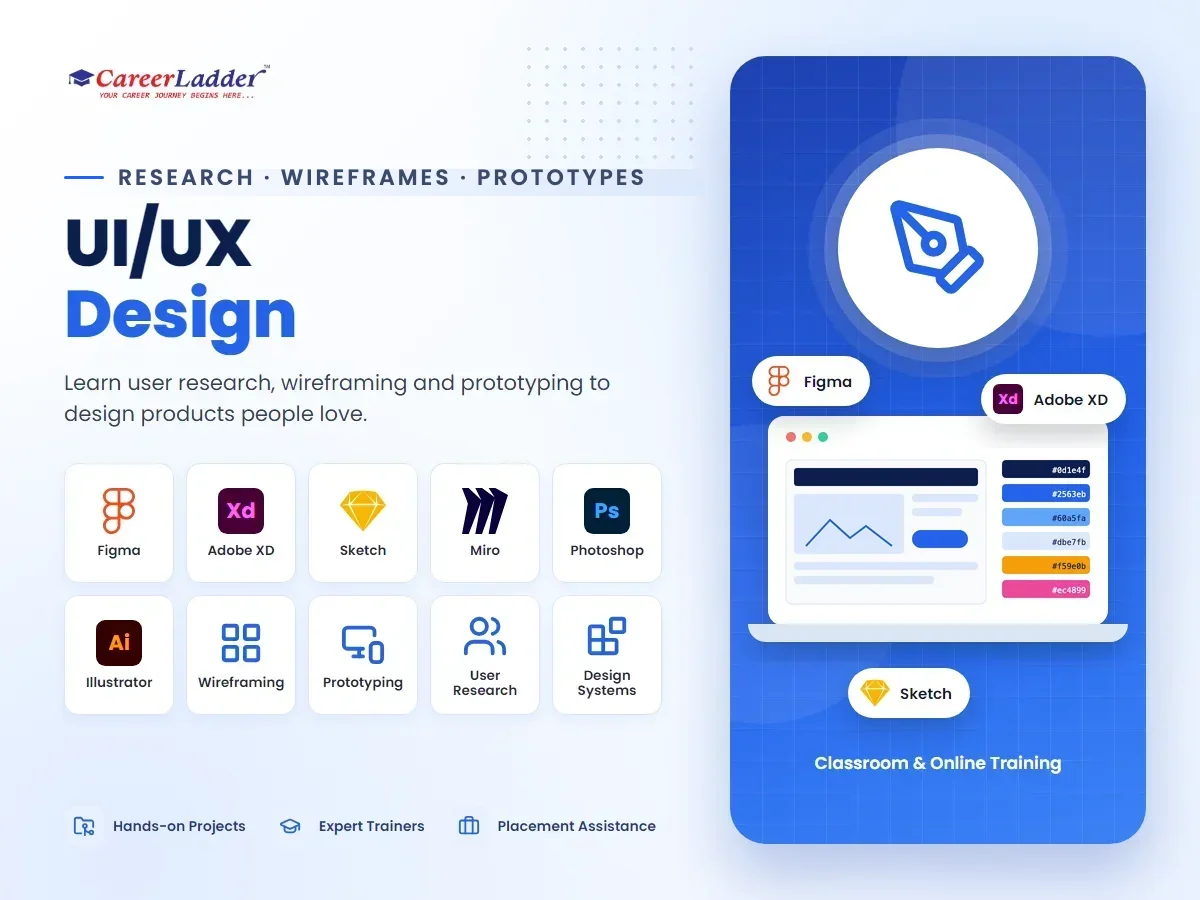
About the UI/UX Design Course
Understand user interface and experience design to create intuitive and user-friendly products.
Train at our Avinashi Road (Hope College, Peelamedu) or Sundarapuram branch in Coimbatore — or join online — with hands-on projects, industry mentors, and dedicated placement support from day one.
Every app you enjoy using and every website that feels effortless is the product of deliberate UI/UX design. As Indian companies compete on product experience rather than price alone, designers who can research users, structure information, and craft polished interfaces have become essential hires. Career Ladder's UI/UX Design course in Coimbatore takes you through the complete product design process — from understanding a user's problem to delivering developer-ready screens — with Figma as your primary tool and a professional portfolio as your final output.
The curriculum follows the same workflow used inside real product teams. You begin with design thinking and user research: interviewing users, building personas, and mapping journeys to find the problems worth solving. From there you move through information architecture, low-fidelity wireframing, visual design systems, high-fidelity UI, and interactive prototyping. Usability testing closes the loop — you watch real people use your designs, find the friction, and iterate. Along the way you learn the collaboration skills that separate employable designers from hobbyists: organizing Figma files with components and auto layout, handing off specs to developers, and presenting design decisions with rationale rather than opinion.
The 2026 design toolchain is covered as it actually exists. Figma dominates the industry, so it anchors the course — including variables, design tokens, and its AI-assisted features. You also work with FigJam and Miro for workshops and flows, prototype-testing tools like Maze, and AI companions that speed up copywriting, image generation, and layout exploration. We are clear-eyed about AI's role: it accelerates production, but employers hire designers for judgment — knowing why a flow confuses users and how to fix it — and that judgment is what this course trains.
Coimbatore's design market is quietly growing. The city hosts an expanding cluster of SaaS startups and IT services companies that need product designers, while agencies serving textile, retail, jewellery, and healthcare brands need UI designers for websites, e-commerce, and mobile apps. Career Ladder — rated 4.6 stars across 1,500+ Google reviews with 10,000+ students trained — runs this program in classroom mode at Hope College (Avinashi Road) and Sundarapuram, and online with live sessions. Placement assistance covers portfolio reviews, resume building, mock interviews, and referrals to hiring partners.
Course Syllabus
Module-by-module curriculum — expand each to see the topics covered.
Module 1:Design Thinking and UX Foundations+
- What UX designers actually do: roles, deliverables, and team structure
- The design thinking process: empathize, define, ideate, prototype, test
- Difference between UX, UI, product design, and interaction design
- Heuristics and usability principles (Nielsen, Fitts, Hick)
- Accessibility fundamentals and inclusive design mindset
- Studying great and terrible interfaces: critique practice
Module 2:User Research and Problem Definition+
- Planning research: interviews, surveys, and field observation
- Writing unbiased interview questions and running sessions
- Personas, empathy maps, and jobs-to-be-done
- User journey maps and identifying pain points
- Problem statements and how-might-we framing
- Competitive and heuristic analysis of existing products
Module 3:Information Architecture and User Flows+
- Organizing content: sitemaps, hierarchies, and navigation patterns
- Card sorting and tree testing basics
- Task flows and user flows in FigJam and Miro
- Designing for common patterns: onboarding, checkout, search, settings
- Writing UX copy: labels, buttons, empty states, and error messages
Module 4:Wireframing and Low-Fidelity Design+
- Sketching screens rapidly on paper and whiteboard
- Digital wireframes in Figma: layout grids and structure
- Mobile-first thinking and responsive breakpoints
- Annotating wireframes for stakeholders
- Rapid ideation: crazy-eights and design studio exercises
- Getting early feedback before investing in visuals
Module 5:Visual Design and UI Fundamentals+
- Typography systems: scale, hierarchy, and readable text
- Color theory, palettes, and contrast for accessibility (WCAG)
- Spacing systems, grids, and visual rhythm
- Iconography, imagery, and illustration usage
- Designing common components: cards, forms, tables, navigation
- Light and dark themes and platform conventions (iOS and Android)
Module 6:Figma Mastery and Design Systems+
- Components, variants, and component properties
- Auto layout and constraints for responsive frames
- Styles, variables, and design tokens
- Building a mini design system from scratch
- Team libraries, file organization, and version history
- Figma AI features and useful community plugins
Module 7:Prototyping and Interaction Design+
- Clickable prototypes in Figma: triggers, transitions, and overlays
- Smart animate and micro-interactions
- Motion principles: easing, duration, and purposeful animation
- Prototyping complex flows: multi-step forms and conditional paths
- Presenting prototypes to stakeholders and gathering feedback
Module 8:Usability Testing and Iteration+
- Planning a usability test: tasks, scripts, and success metrics
- Moderated and unmoderated testing (including tools like Maze)
- Observing sessions and taking useful notes
- Synthesizing findings and prioritizing fixes
- Iterating designs and documenting the before/after story
- A/B testing basics and working with product analytics
Module 9:Developer Handoff and Team Collaboration+
- Preparing files for handoff: naming, specs, and redlines
- Figma Dev Mode and exporting assets
- Understanding basic HTML/CSS concepts designers should know
- Working with product managers and engineers in agile sprints
- Design QA: verifying builds against your designs
Module 10:Portfolio, Case Studies, and Career Preparation+
- Structuring a UX case study: problem, process, and outcome
- Publishing your portfolio on Behance, Dribbble, or a personal site
- Design challenges and whiteboard exercises in interviews
- Presenting your work: storytelling for design reviews
- Resume building, mock interviews, and hiring-partner referrals
Who Should Join This Course
Real-World Projects You Will Build
- 1Redesign a real-world app screen flow (for example, a food delivery checkout or a banking transfer flow) after conducting usability reviews, documenting the problems you found and how your redesign fixes them.
- 2Design a complete mobile app from scratch for a local business scenario — such as a Coimbatore textile retailer or a clinic appointment app — covering research, wireframes, UI, and a clickable Figma prototype.
- 3Build a responsive website design for a SaaS product landing page, with desktop, tablet, and mobile breakpoints handled through auto layout.
- 4Create a mini design system with typography, color tokens, and at least fifteen reusable components, then use it to assemble new screens quickly.
- 5Run a moderated usability test on one of your own prototypes with five participants, synthesize the findings, and ship an iterated version 2.
- 6Capstone: an end-to-end product case study — from user interviews to tested high-fidelity prototype — written up and published as the flagship piece of your portfolio.
Career Scope & Opportunities
UI/UX design has matured into a mainstream tech career in India, with roles including UI/UX Designer, Product Designer, UX Researcher, Interaction Designer, Visual/UI Designer, and UX Writer. Product companies, IT services firms, design studios, and digital agencies all hire designers, and unlike many tech roles, portfolios matter more than degrees — a strong case study can outweigh a computer science credential.
Locally, Coimbatore's SaaS and startup ecosystem has grown steadily, and these product companies need designers who can own features end to end. Agencies serving the region's retail, textile, jewellery, healthcare, and education businesses hire UI designers for websites, e-commerce experiences, and apps. Remote work has also opened metro and international design roles to Coimbatore-based designers, and freelance app or website design is a realistic income stream while you build experience.
Indicative Indian salary ranges: entry-level UI/UX designers commonly start around ₹3–5 LPA, mid-level product designers with two to five years of shipped work often earn ₹6–12 LPA, and senior or lead designers in product companies can go significantly higher. Freelance projects for websites and apps vary widely with scope. These figures are broad market ranges and depend heavily on portfolio quality, company type, and city — they are not guaranteed outcomes.
AI design tools are speeding up production work, which pushes value toward exactly what this course emphasizes: research, judgment, systems thinking, and communication. Graduates leave with three or more portfolio-ready projects plus a full capstone case study, and Career Ladder's placement assistance — portfolio review, resume building, mock interviews, and hiring-partner referrals — supports the transition from learner to hired designer.
What You Will Master
100% Placement Assistance
Resume building, mock interviews, and direct referrals to our hiring partners — until you land the role.
Frequently Asked Questions
Do I need to be good at drawing?+
No, UI/UX design is about problem-solving and layout, not artistic drawing. We teach you design principles from scratch.
What tools will I learn?+
You will master industry-standard tools like Figma, Adobe XD, and Sketch for designing interfaces.
Is portfolio building included?+
Yes, you will work on 3+ live projects to build a professional portfolio on Behance and Dribbble.
Do I need a laptop with high-end specifications for UI/UX design?+
No. Figma runs in the browser and works smoothly on any reasonably modern laptop — Windows or Mac — with 8 GB of RAM. You do not need a graphics workstation the way video editors or 3D artists do.
Will this course teach UX research or only visual UI design?+
Both, deliberately. Dedicated modules cover user interviews, personas, journey mapping, and usability testing, because employers increasingly expect designers who can justify decisions with research rather than only produce attractive screens.
How does AI affect UI/UX careers, and does the course cover AI tools?+
AI tools can now generate layouts and copy drafts, and we teach you to use them — including Figma AI features and AI assistants for UX writing and ideation. What AI cannot replace is understanding users, defining the right problem, and evaluating whether a design works, which is where the course focuses your depth.
Can I get design work as a fresher, or does everyone demand experience?+
The design field is unusually portfolio-driven: strong case studies function as experience. Our program is structured so you finish with several complete projects and a capstone case study, and our placement assistance helps you present them effectively in applications and interviews.
What is the difference between this course and the Graphic Design course?+
Graphic design focuses on visual communication — logos, branding, print, and marketing creatives using Adobe tools. UI/UX focuses on designing digital products people interact with — apps and websites — including research, flows, prototyping, and usability. If you want to design products, choose UI/UX; if you want branding and creative visuals, choose Graphic Design. Many students eventually learn both.
Our Coimbatore Branches
Hope College (Peelamedu)
1st Floor, 267, Avinashi Road, Opposite GRG Ladies Hostel, Above Sneha Hospital, Hope College, Coimbatore 641004
+91 88702 75880
Sundarapuram
1st Floor, Bank of Baroda Building, 5, Madukkarai Main Rd, opp. Abirami Hospital, Sundarapuram, Coimbatore
+91 88070 28071
Related Courses
AI Powered Digital Marketing
Learn AI-driven strategies for SEO, SEM, social media marketing, and automated growth marketing.
Graphic Design with Motion Graphics
Learn visual communication using Photoshop, Illustrator, InDesign, and Motion Graphics tools.
SEO (Search Engine Optimization)
Learn on-page, off-page, technical, and local SEO by optimizing real business websites.